![Bildmarke_only_positive.png]](https://support.3dspark.de/hs-fs/hubfs/Bildmarke_only_positive.png?height=40&name=Bildmarke_only_positive.png)
A Production Option can be created or saved in different ways, as described in the following section:
- By using production profile tab:
- Go to production profile tab and then click on production option,
- Click on “+ Add” button.
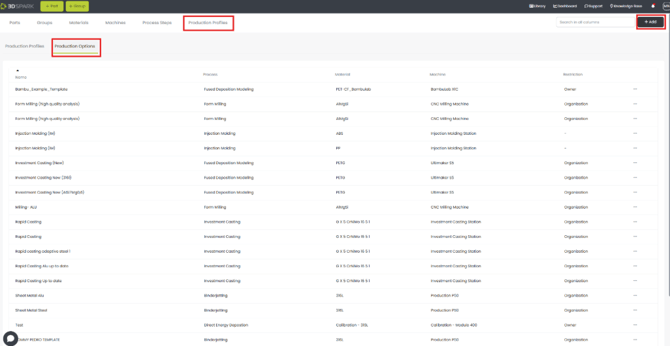
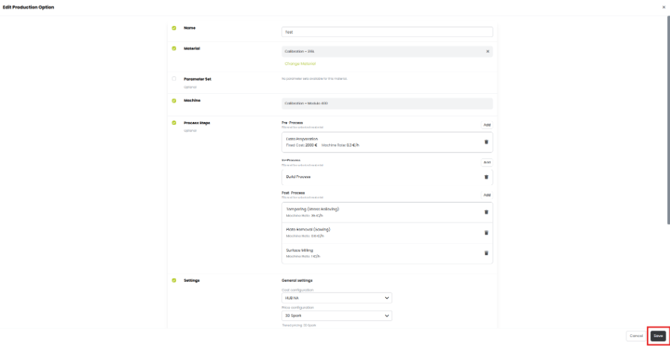
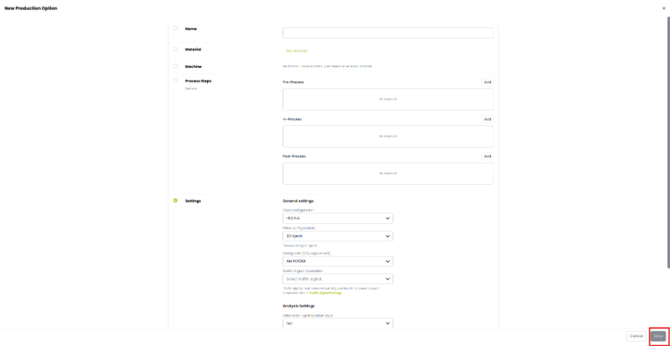
3. The New Production Option page appears. Now type in the name of the option. Select material, process steps and settings and click on save.
- Saving a template from the analysis page:
- Add the production option using the “from material” option.
- Make all the changes required for the added production option.
- Use the options menu using the three dots and click on “Save as Template”
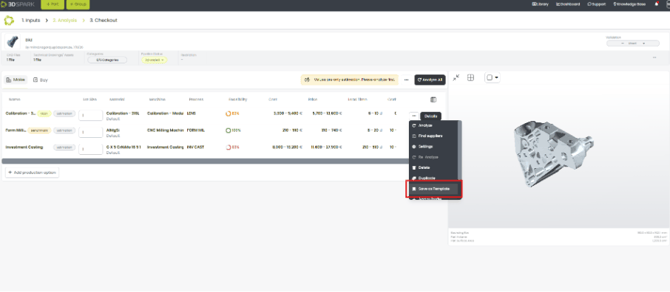
4. Type in the name and click on save.
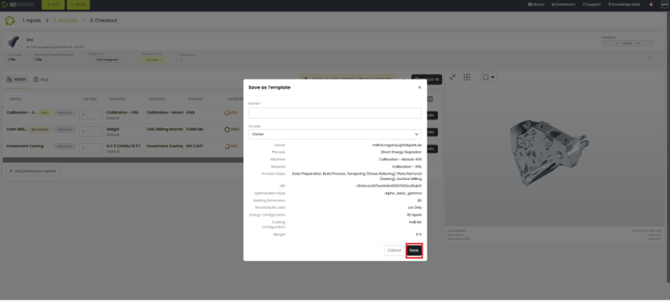
The steps for creating a Production Profile:
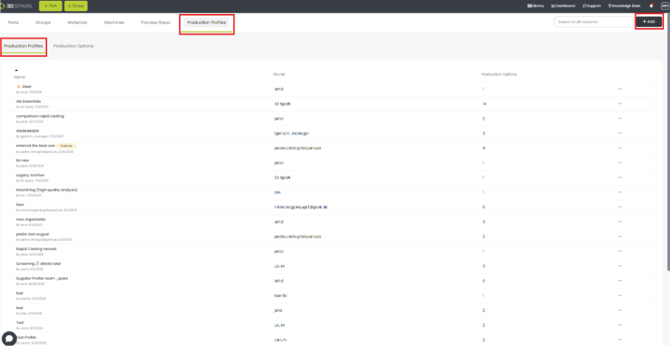
- By using production profile tab:
- Go to production profile tab and then click on production option,
- Click on “+ Add” button.
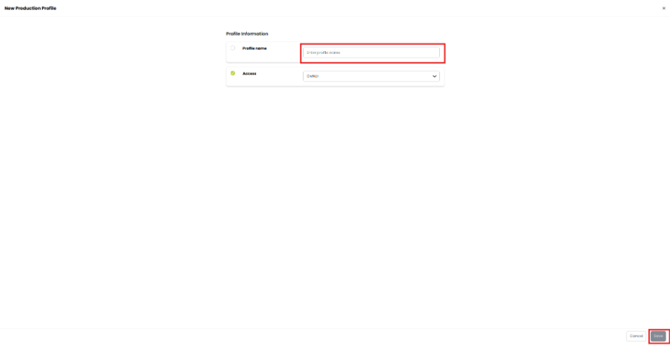
3. The New Production Profile page appears. Now type in the name of the option and click on save.
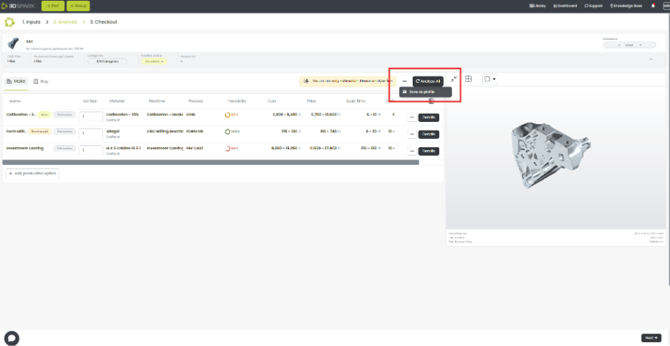
- Saving a profile from the analysis page:
- Add the production options required using the “from material” option.
- Make all the changes required for the added production options.
- Use the options menu using the three dots and click on “Save as Profile”
4. Type in the name and click on save.
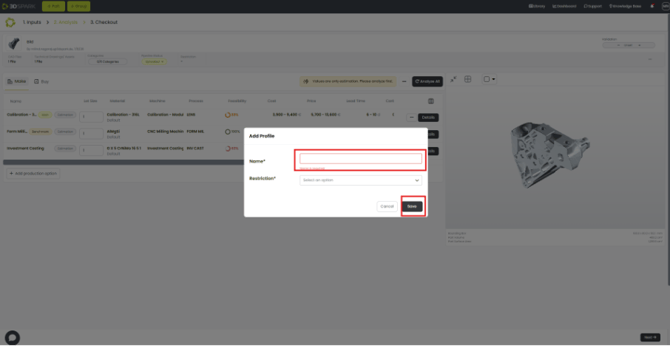
The steps to add Production Options to Production Profiles:
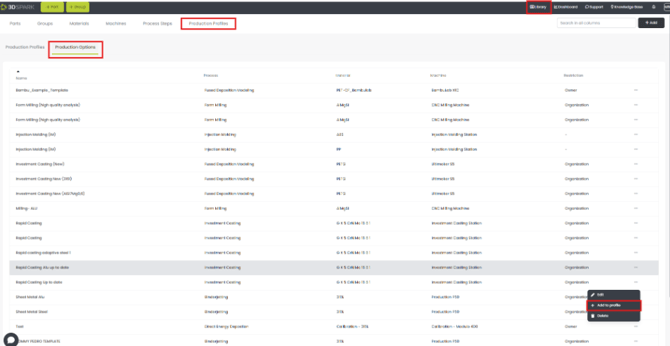
- From the Production Option page:
- Go to library à Production Profile à Production Options
- Click on the three-dot button of the production option required.
- Click on “+ Add to profile” button.
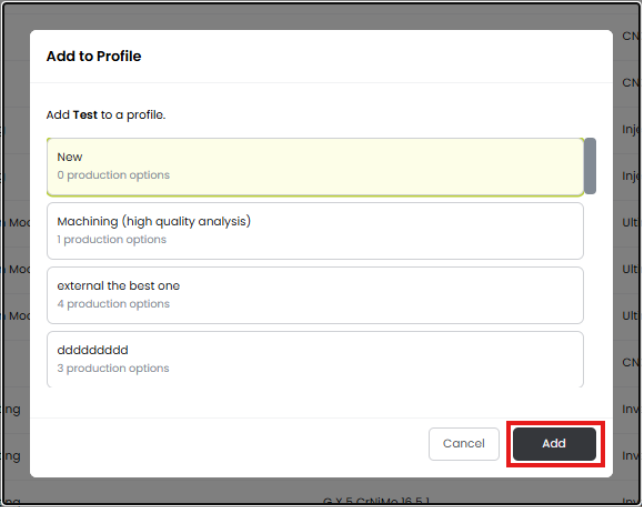
4. Choose the Profile to which you want to add your production option from the box and click on add button.
5. You can see the Production Option is added to the Production Profile.
- Creating a new option inside the Production Profile
- Open the Production Profile you want from the library menu.
- Once inside the required profile, click on the three-dot menu to choose options available.
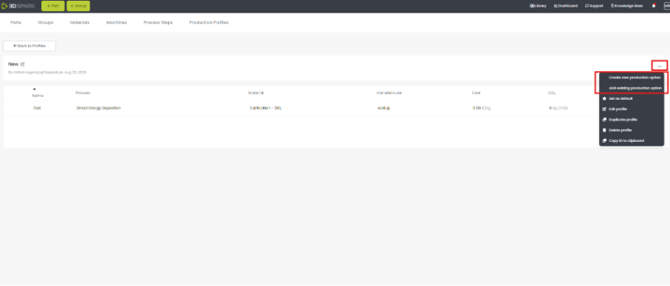
3. Clicking on “Create new production option” opens a menu to add all the options to add a new option. Add all details and click on save.
4. By clicking on “Add existing production option”, you can copy or move the production option from the other production profiles.
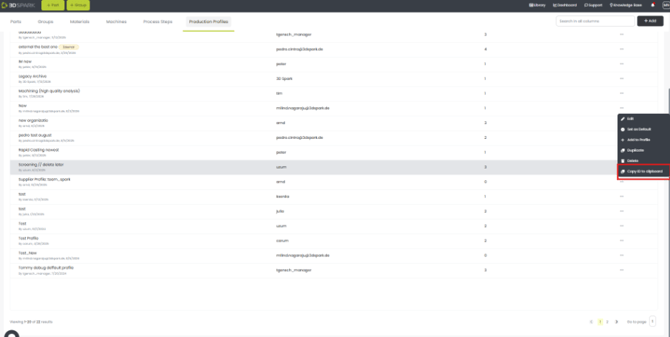
You can copy the ID of the profile created as well by clicking on the three dots and choosing “Copy ID to clipboard”.