![Bildmarke_only_positive.png]](https://support.3dspark.de/hs-fs/hubfs/Bildmarke_only_positive.png?height=40&name=Bildmarke_only_positive.png)
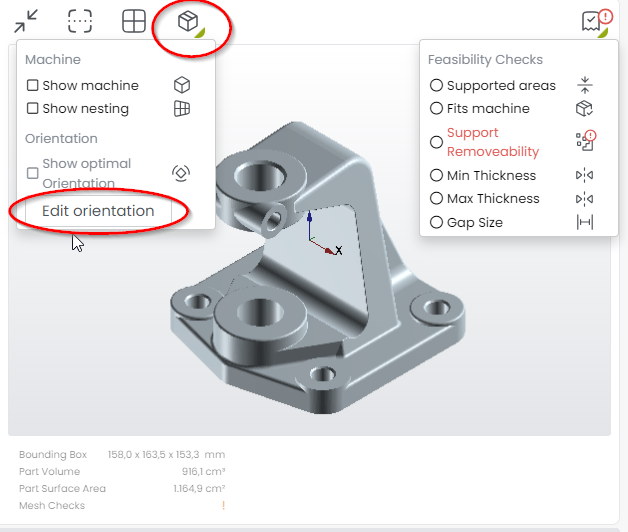
It is very helpful to display the machine build volume and/or build platform to visualize orientation and size relations. The optimized orientation and thickness analysis can be displayed as well, if the full analysis was run.
To toggle these visualizations, click on the according symbols in the 3D viewer.
You must first select a Production Option by clicking on the very left of it.
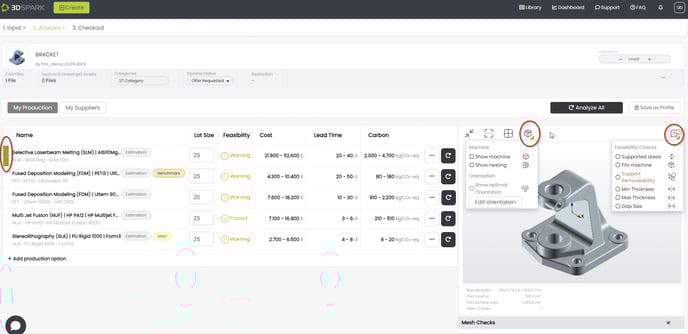
Fits-in-the-machine, Supports, and Support Removability tools are interactive i.e. they will react in real time to the orientation of the part.
You can adjust the orientation of the part by clicking "Edit orientation".