![Bildmarke_only_positive.png]](https://support.3dspark.de/hs-fs/hubfs/Bildmarke_only_positive.png?height=40&name=Bildmarke_only_positive.png)
- Go to Library --> Process Steps and click on “+ Add” button.
- A dialog box appears. Type in all the important information and click Save button.
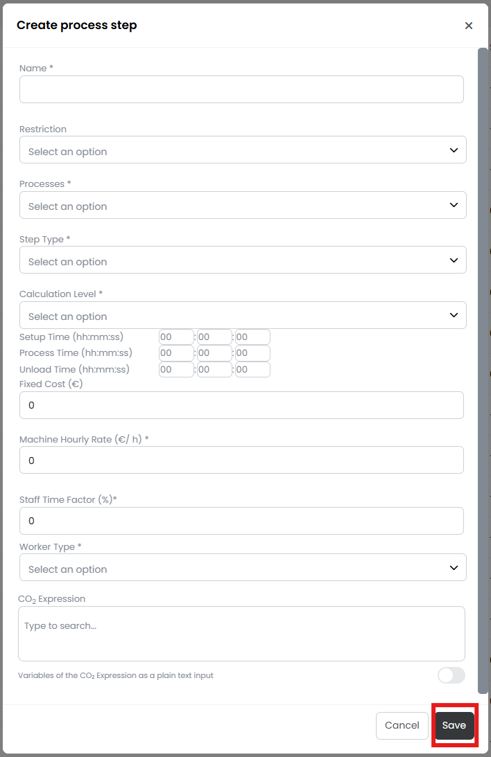
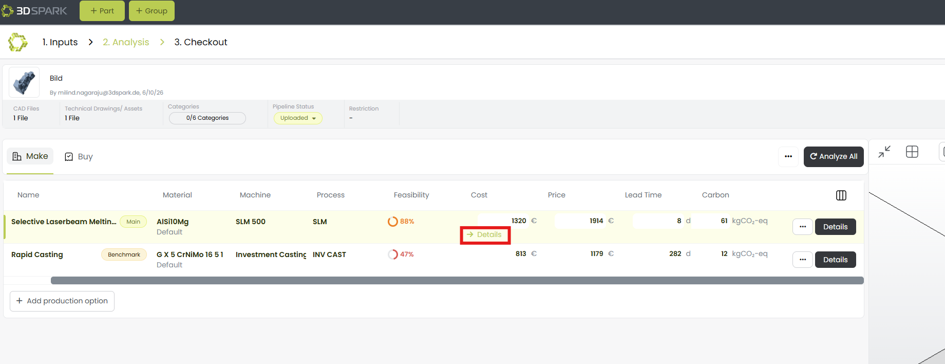
- Now the process step is saved and can be added to the analysis. To add it to the analysis, go to analysis page of the part and click on Cost details.
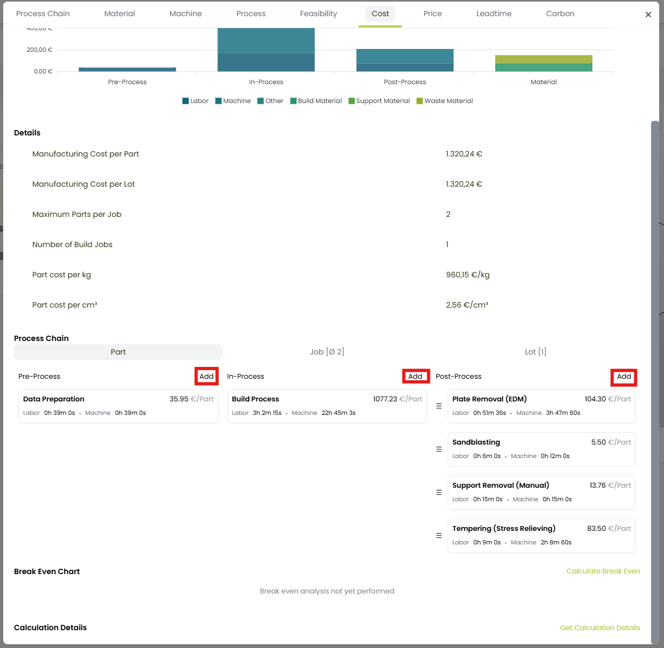
- A dialog box appears, scroll down and use the Add buttons to add the required process steps to Part/Job/Lot.
- After clicking on “Add” button, a new dialog box appears. Scroll through the menu and find the process step to be added and click on “Add”.
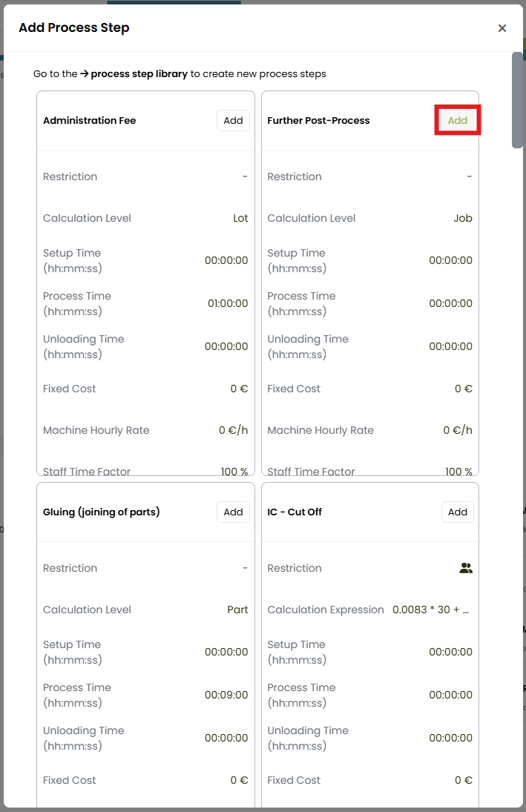
Now you can see the process step added to the costing of the analysis.