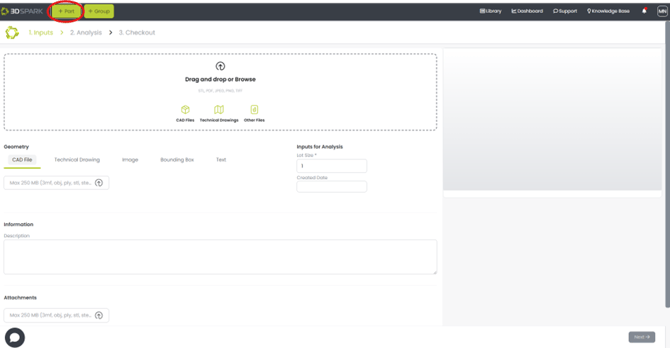
- To create/upload a part, click on the “+ Part” button.
- On the Input page, upload your CAD file and fill in the required information.
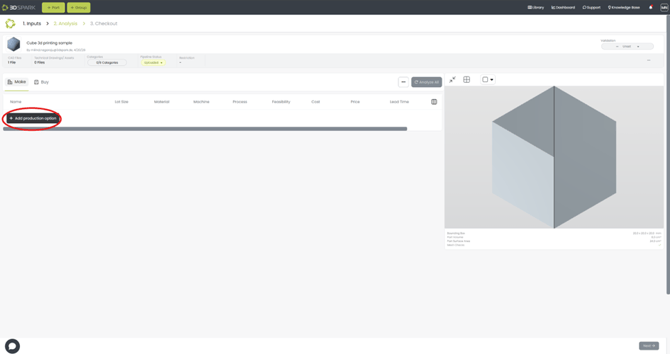
- Go to the next page for Analysis. Choose the production options by clicking “Add production option” Button.
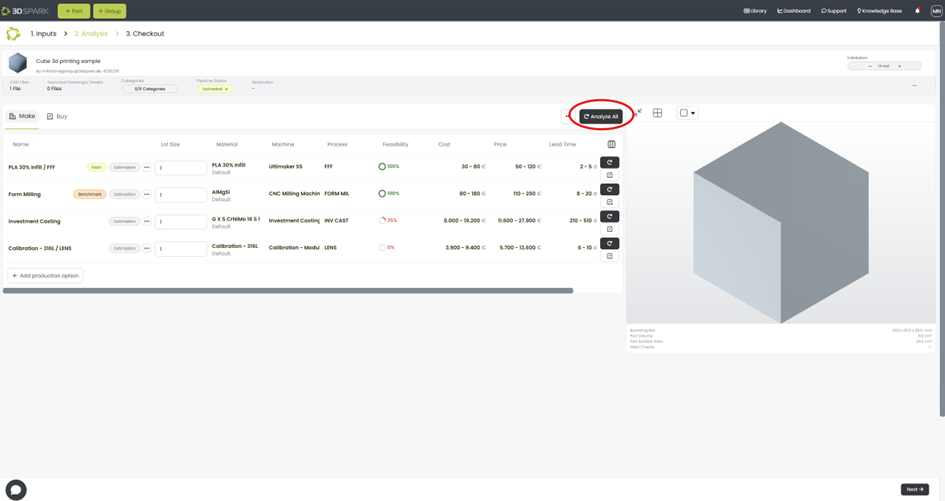
- After choosing the required production options, select the benchmark and main production options.
- Click on the “Analyze All” button to get the results.
- When the analysis is finished, go to the “Checkout” tab to investigate and share all relevant information.
English
![Bildmarke_only_positive.png]](https://support.3dspark.de/hs-fs/hubfs/Bildmarke_only_positive.png?height=40&name=Bildmarke_only_positive.png)